neur0list
A flexible way to organize anything, your way.
Books, resources, to-dos, favorites, menus, whatever you're keeping track of — neur0list adapts to what you're organizing instead of forcing you into a template. Add as much or as little detail as you want: links, images, notes, ratings, custom fields, and colorful custom icons.
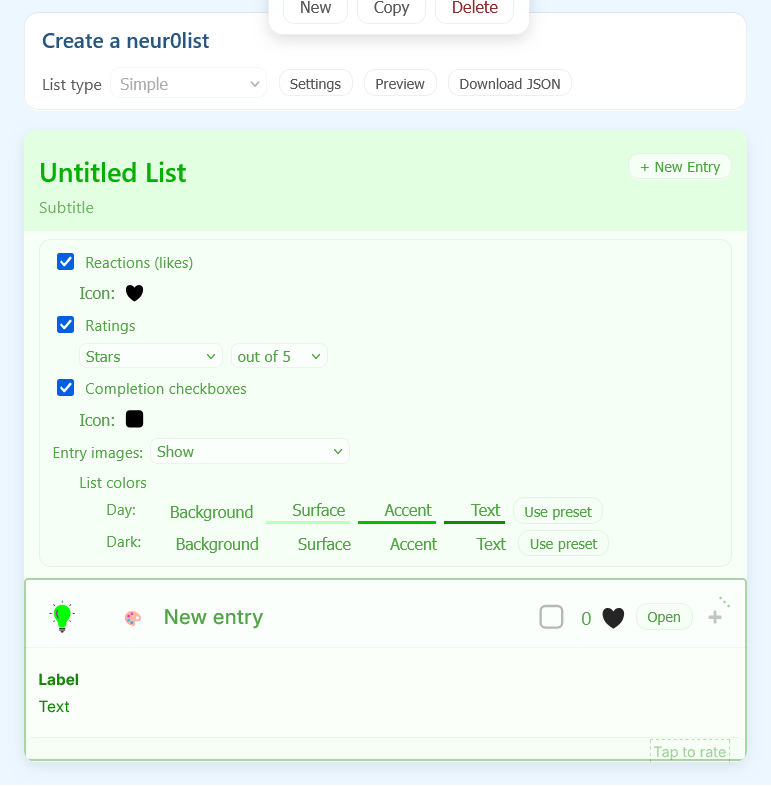
What you can build
Add entries in seconds
New, Copy, and Delete, right from the list — no separate editor to jump into.
Reorder entries
Move any entry up or down right from the list. True drag-and-drop is on the way.
Rich text formatting
Bold, italic, underline, and strikethrough for your descriptions, plus inline icons dropped right into the text.
Reactions & ratings
Optional likes and ratings — stars, percent, or plain numbers — turned on or off per list.
Completion checkboxes
Turn any list into a to-do, with your own icon standing in for the checkbox.
Entry images
Show, hide, or reserve the space for an image per entry — a custom icon or your own URL.
Indicators
Small badges — spicy, featured, and more — that call out entries without cluttering the layout.
Custom colors
Give a list its own palette, separate from the site theme, for both day and dark mode.
Download anytime
Export any list as JSON. No account required — yet.
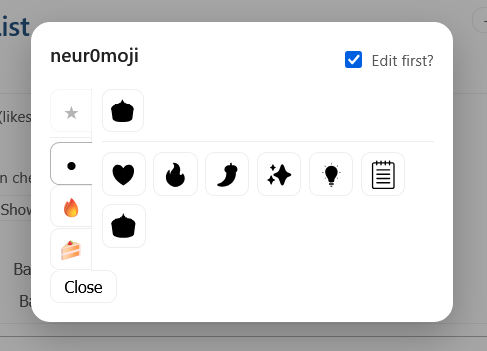
neur0moji
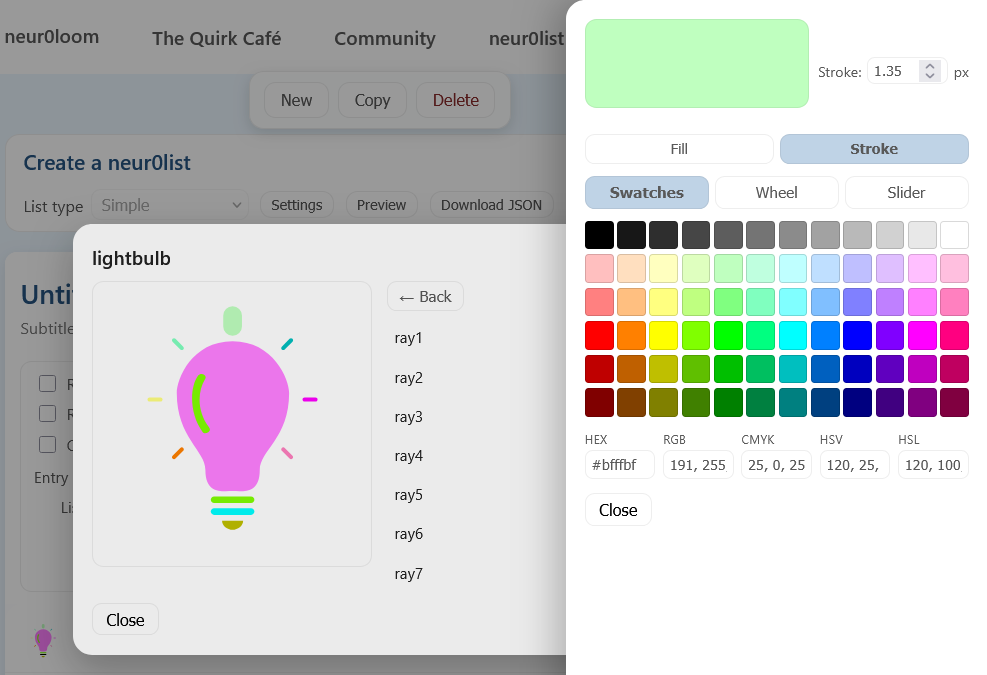
Every icon in neur0list is built to be recolored piece by piece, not just tinted as one flat shape. Take the lightbulb: the glass, the highlight, the base, and each of its seven rays can all be colored independently, through swatches, a color wheel, or an exact hex code.
neur0moji is quickly becoming its own system inside neur0loom — one that won't stay limited to lists. Expect it to show up in more places soon, including the games.
A few examples
These lists are hand-built on neur0list's current JSON schema — we're working on reproducing this same range of examples directly inside Create.
A simple to-do list, with icons and checkboxes, no metadata clutter.
The same idea, with metadata visible and the first entry open by default.
Favorite songs — sortable and filterable, with images and star ratings.
Favorite restaurants — metadata shown, entry images hidden.
A restaurant menu, using indicator badges to flag spicy dishes.
A drink menu — same list type, entry images back on.
Numeric ratings across categories — and a bit of humor.
What's next
- Metadata fields inside the Create page — the backend already supports this, the editor UI doesn't yet
- Font and typography controls
- More list presets beyond Simple
Where this is headed
Further out, and not yet started — but the direction neur0list is growing in:
- A dedicated restaurant-menu list type — tap through a menu using neur0moji, keep a running total, and calculate a tip right on the page
- Exporting a list's entries straight to your contacts or calendar
- True drag-and-drop reordering, replacing today's up/down move buttons
Beta — Still weaving.
neur0list has come a long way since this page was last updated — and it's still growing. Metadata and typography are next on the loom.